
WordPress Dashboard
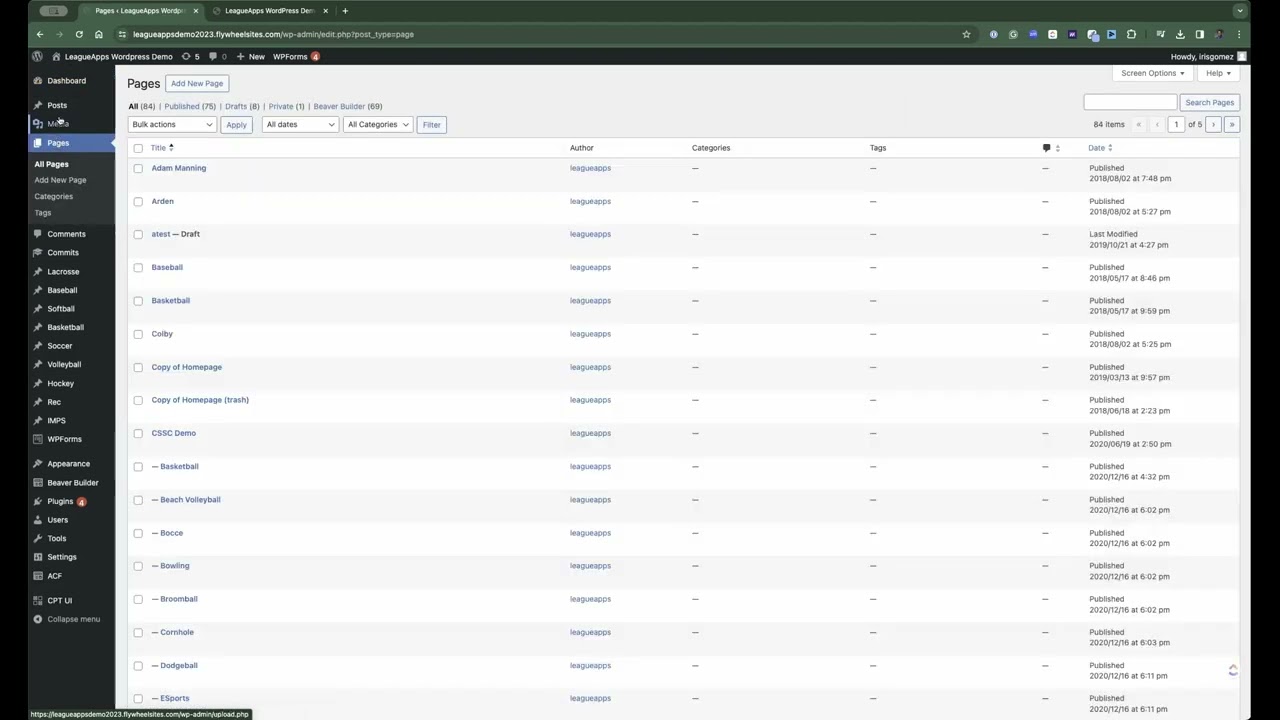
The WordPress Dashboard is the central hub for managing your WordPress website.
Transcript
The WordPress Dashboard
The WordPress Dashboard is the central hub for managing your WordPress website. It gives you complete control over your content, website’s appearance, and settings. Once you log in to your Dashboard, you’ll see a welcoming area, a left sidebar for navigation, and a main content section. Using the Dashboard, you can create and edit posts and pages, upload media files, and customize your site’s design. Moreover, you can enhance your website’s functionality using plugins, manage user accounts, and fine-tune settings. In essence, the Dashboard is the heart of your WordPress site, empowering you with all the necessary tools to maintain, personalize, and expand your online presence.


