
Managing WordPress Plugins
Imagine your youth sports team is like a clubhouse. It has its structure, design, and functionality. Now, let’s say you want to add extra features to your clubhouse, like a sound system to motivate the team, a snack bar for post-game treats, or a digital scoreboard to keep track of scores.
Transcript
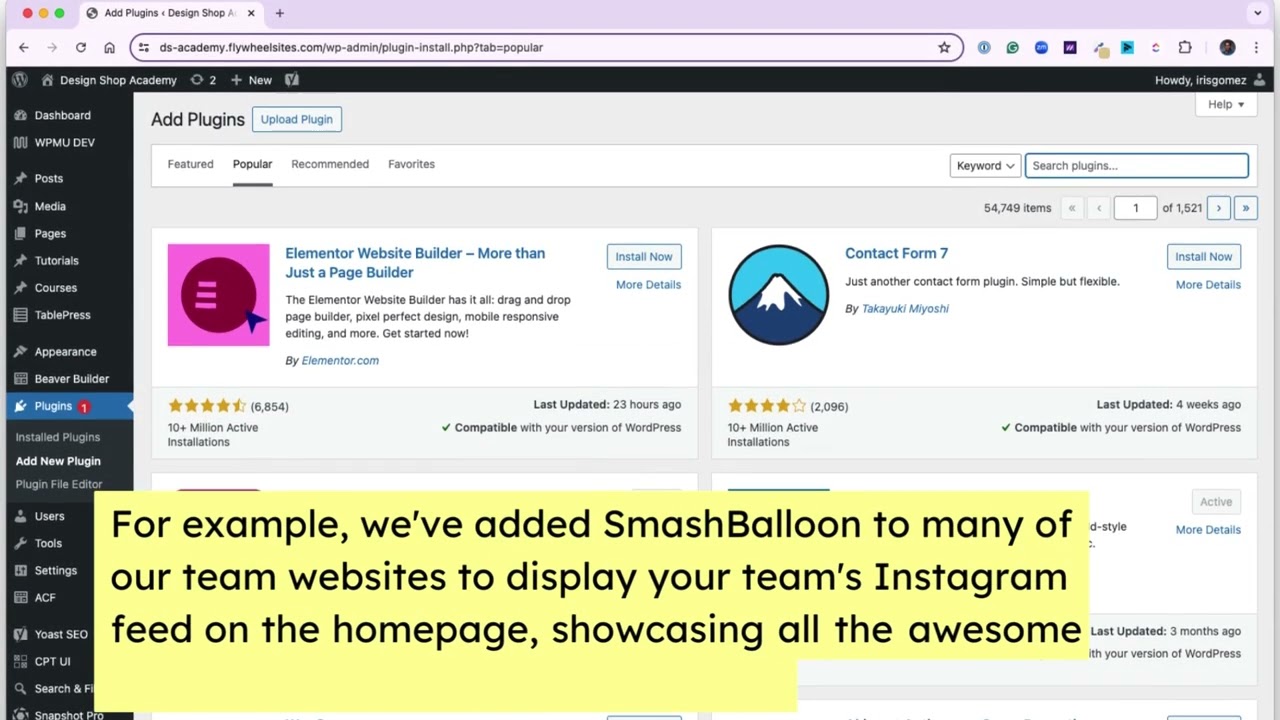
In the world of youth sports, those extra features are like plugins. WordPress plugins are like those add-ons for your clubhouse. They’re extra tools or software that we’ve added to your team’s WordPress website to add new features or improve existing ones.
For example, we’ve added SmashBalloon to many of our team websites to display your team’s Instagram feed on the homepage, showcasing all the awesome moments from practices and games.
WordPress plugins help you customize and enhance your team’s website without needing to be a tech expert. If you’d like to add a new plugin to ensure that your website continues to be top-notch, just shoot us an email, and we’ll review it to make sure it’s compatible with your customized site.

