
Website Basics
- All
- Best Practices
- Dashboard
- Getting Started
- Page Editing
- Plugins
- Troubleshooting
- Users
- Website Basics

Understanding the Design Shop Website Process: How to Start Strong
5 min
Best Practices, Getting Started, Website Basics
Learn how to begin your Design Shop website build, including the assets you must submit, why Sections One and Two...
Understanding WordPress User Roles and Permissions
4 min
Best Practices, Users, Website Basics
Learn about WordPress user roles, what each level of access allows, and best practices for managing users on your website.
Plugin Safety: Best Practices for Managing WordPress Plugins
4 min
Best Practices, Plugins, Troubleshooting, Website Basics
Learn how to safely install, update, and manage approved plugins to keep your WordPress website secure and running smoothly.
The Importance of Website Security (and How to Protect Your Site)
5 min
Best Practices, Plugins, Troubleshooting, Website Basics
Learn why security matters, how one Partner faced a costly attack, and how to protect your WordPress site with backups...

Clarifying LeagueApps vs. WordPress Roles (Registration vs. Marketing Site)
4 min
Website Basics
Understand the difference between LeagueApps (registration platform) and WordPress (marketing website) and how they work together.

How to Embed a YouTube or Vimeo Video on a Page
3 min
Page Editing, Website Basics
Learn how to embed YouTube or Vimeo videos on your WordPress site using BeaverBuilder.
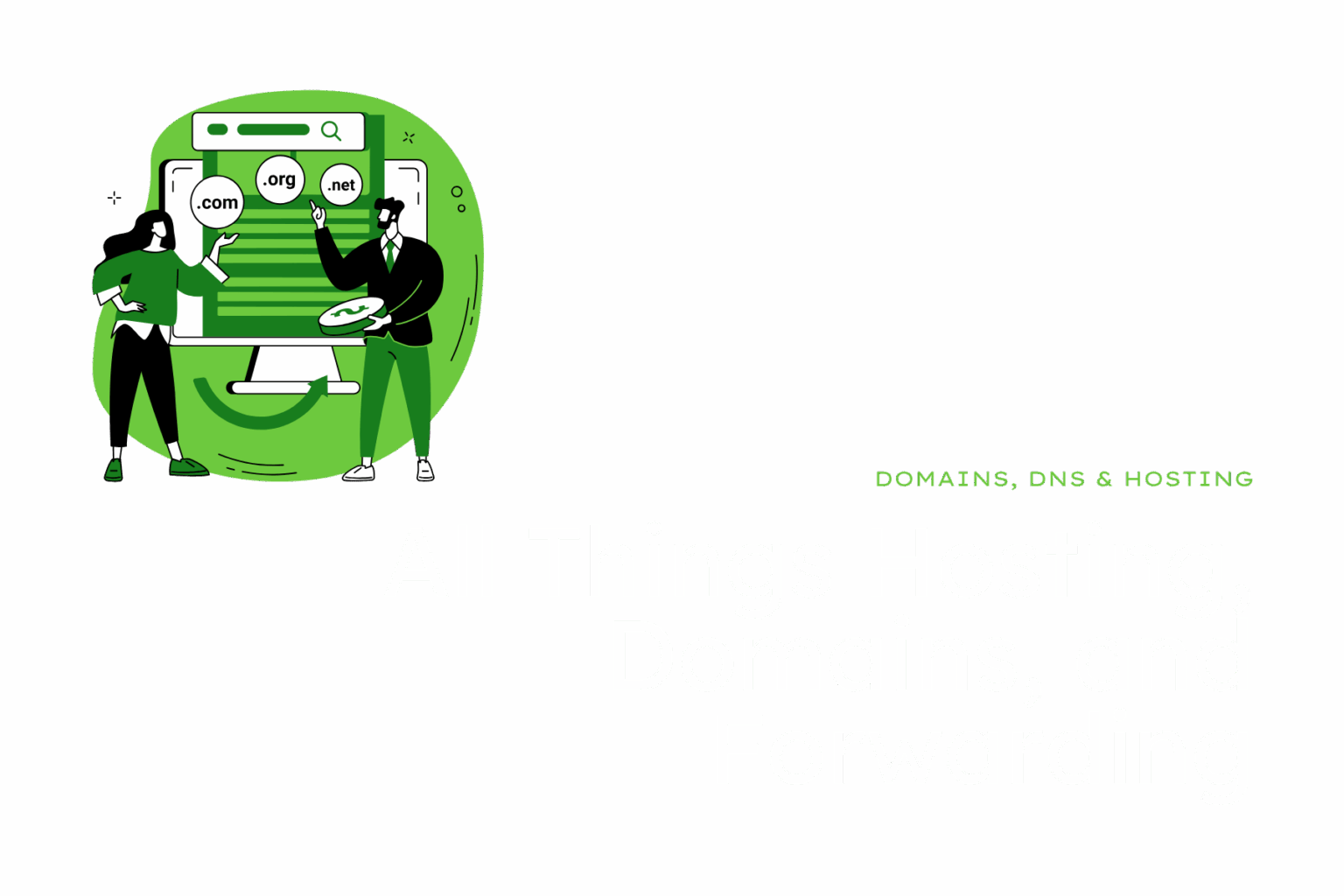
Understanding Hosting, Domains, and Forwarding
4 min
Website Basics
Learn the difference between hosting, domains, and forwarding, and how each works together to keep your website running.
WordPress Dashboard
1 min
Dashboard, Website Basics
The WordPress Dashboard is the central hub for managing your WordPress website.